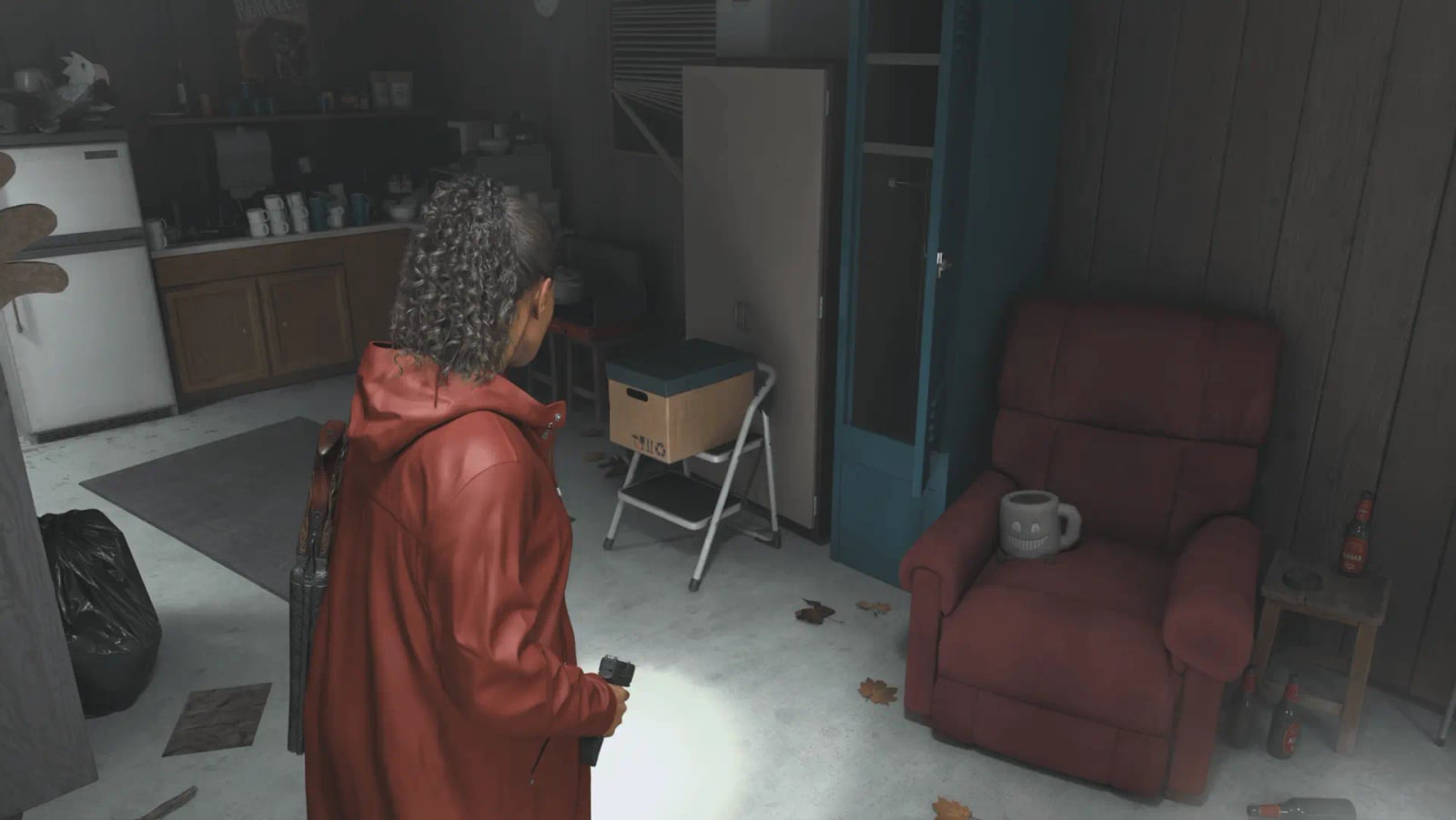
No-HUD-No-Effects – Toggle Lens Dirt – Light Glare and MORE v1.1
Utilizes RenderToggler to make the HUD and selected visual effects toggleable.
Features
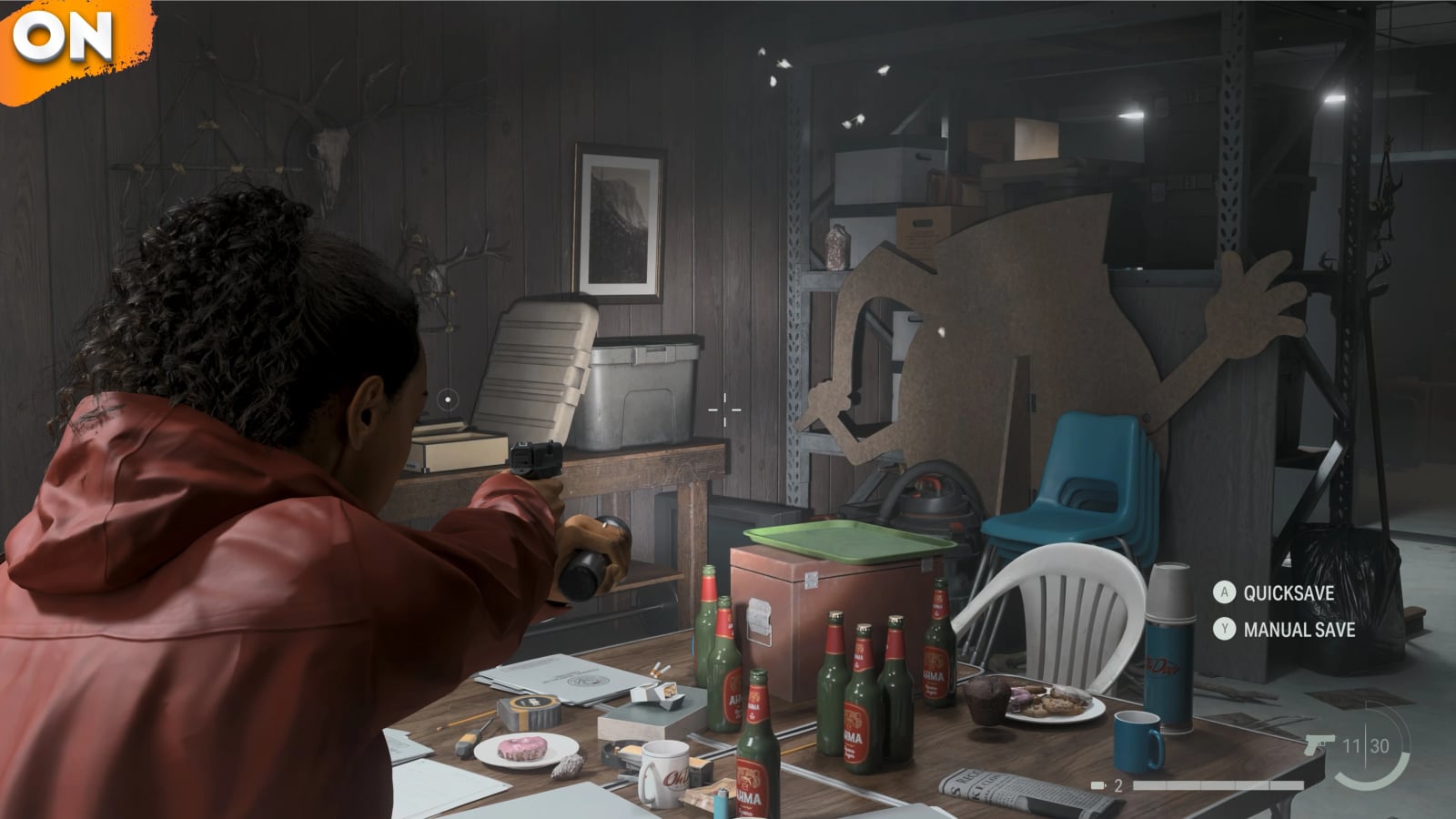
- HUD
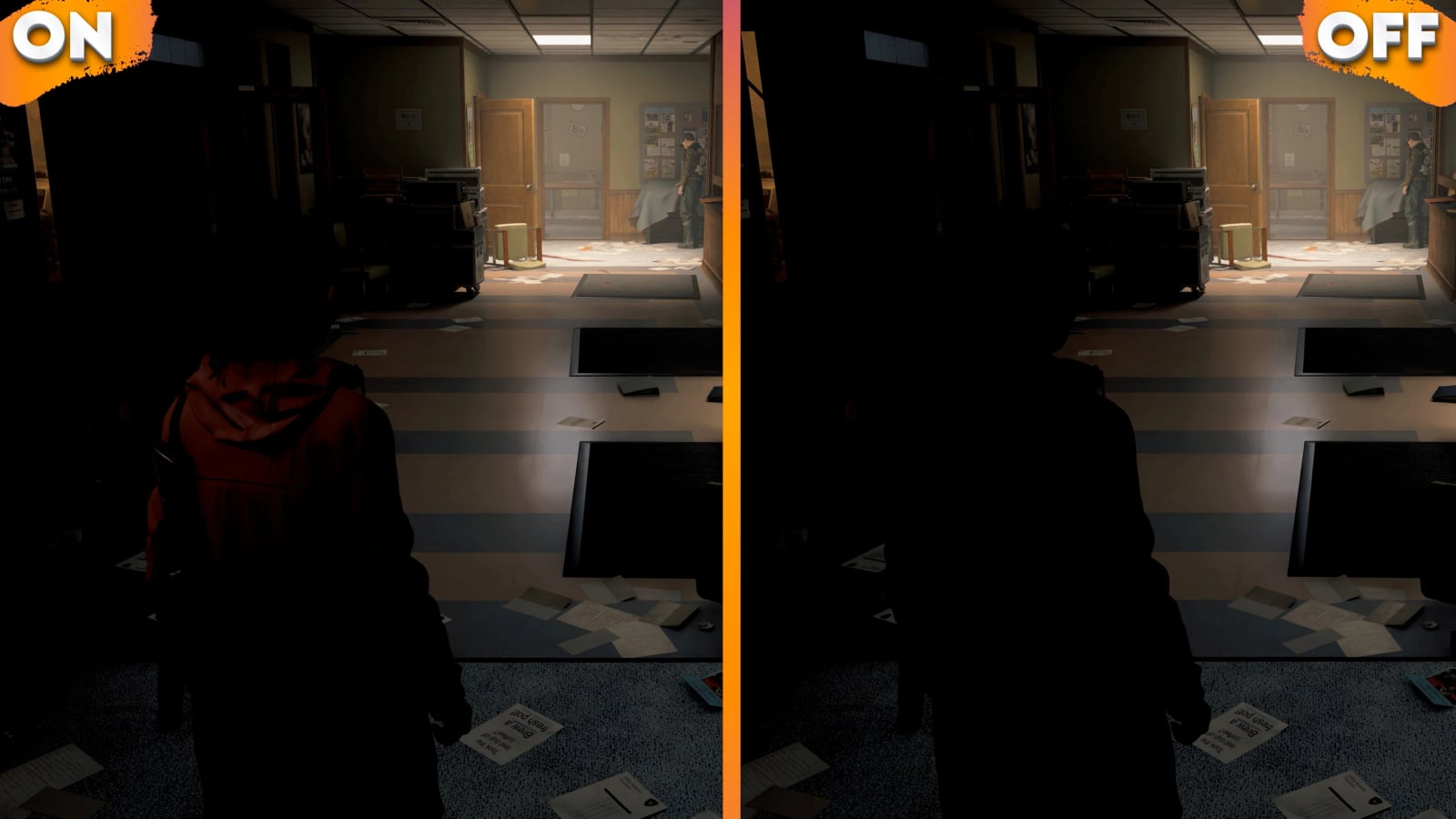
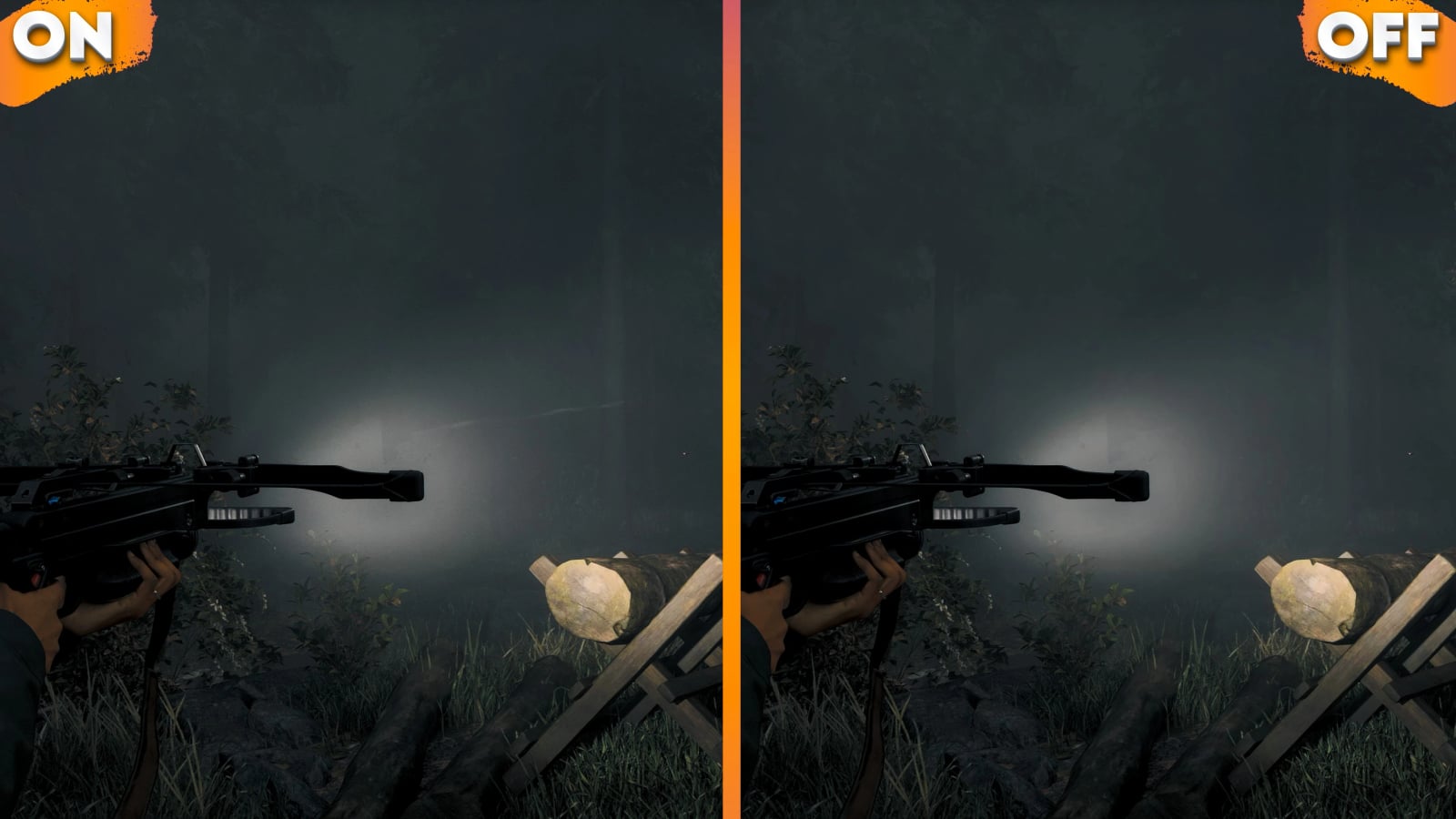
- Backlight
- Bolt trails
- Light glare
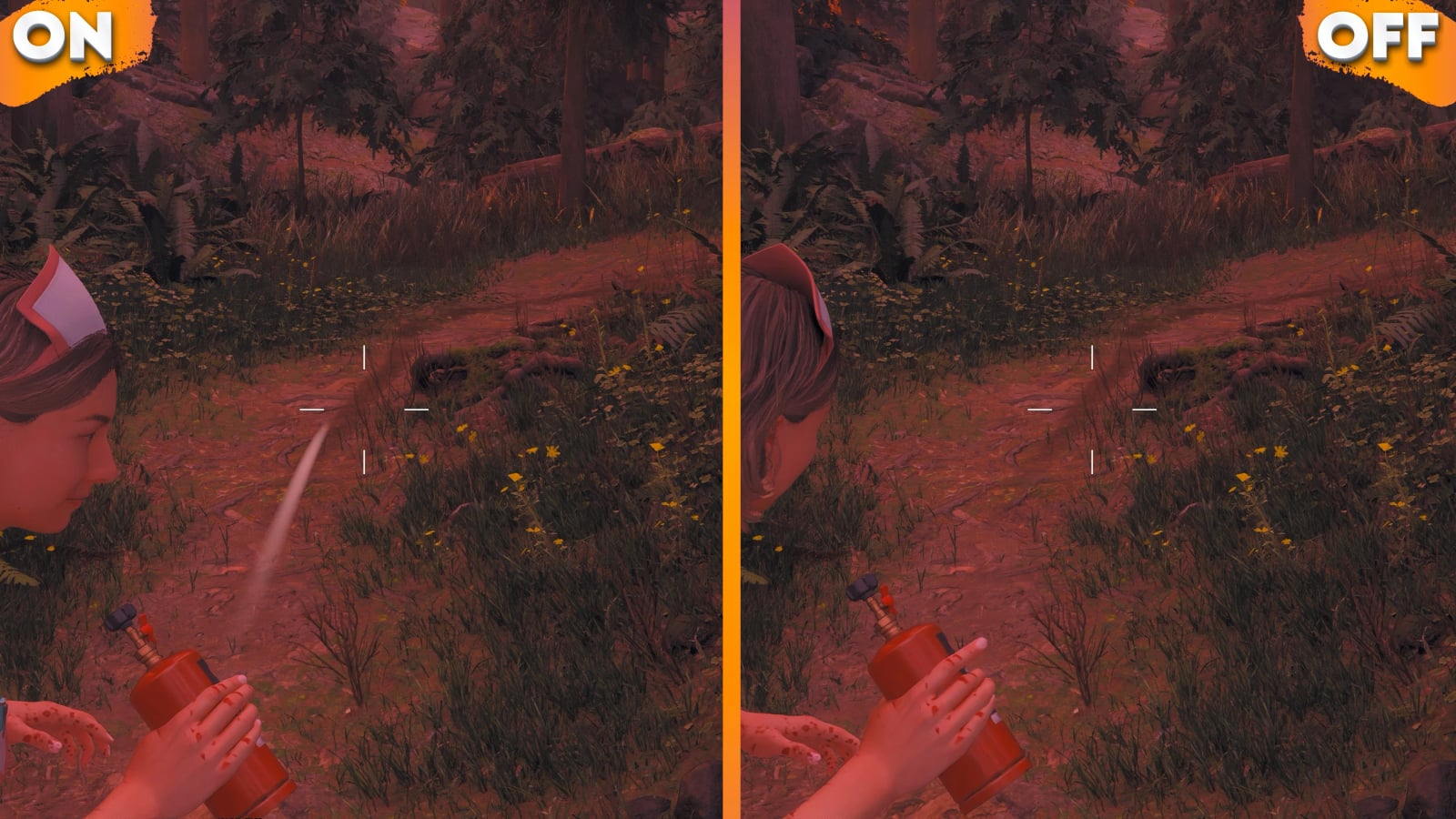
- Throw trajectory
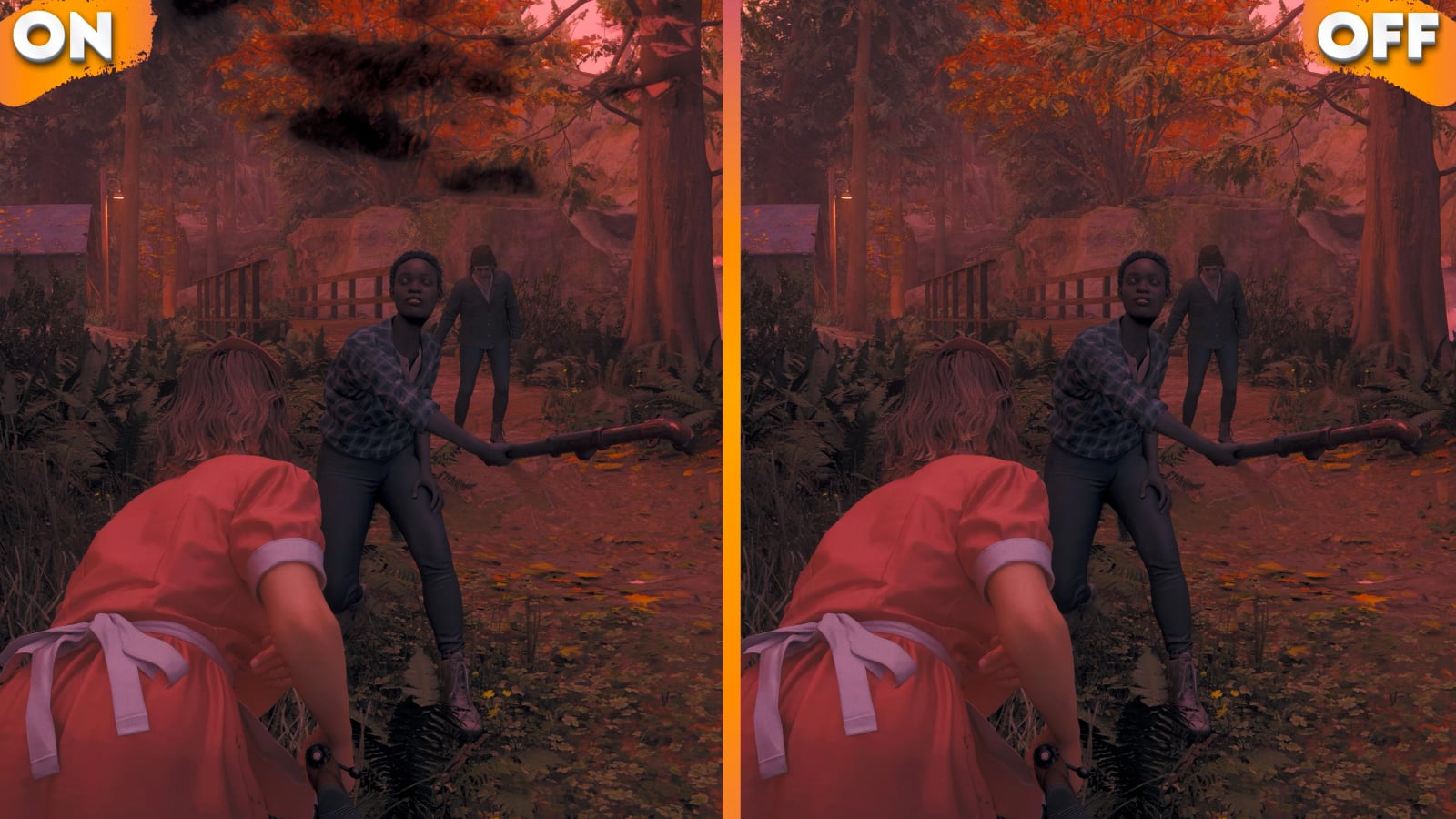
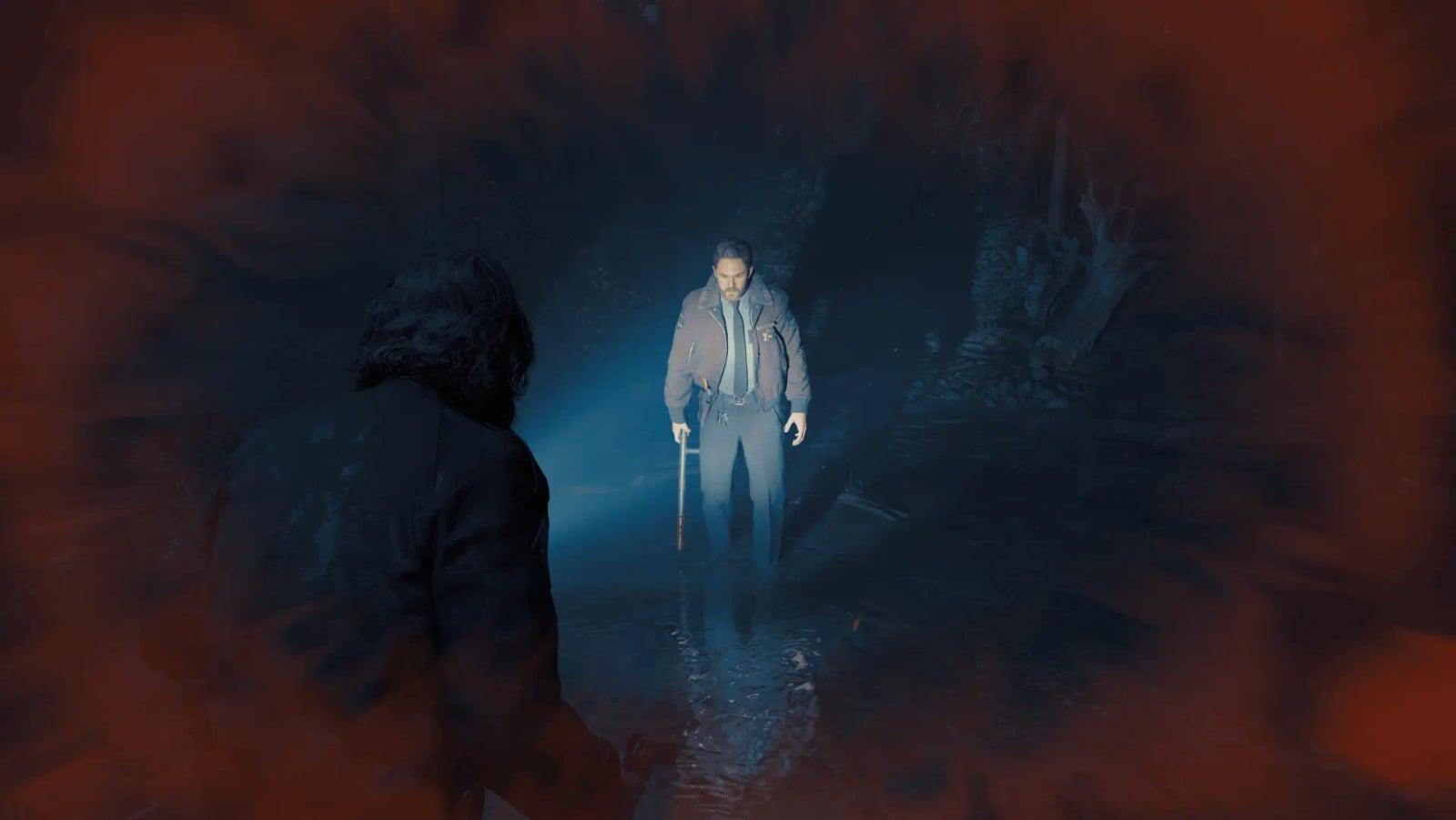
- Screen FX (low health)
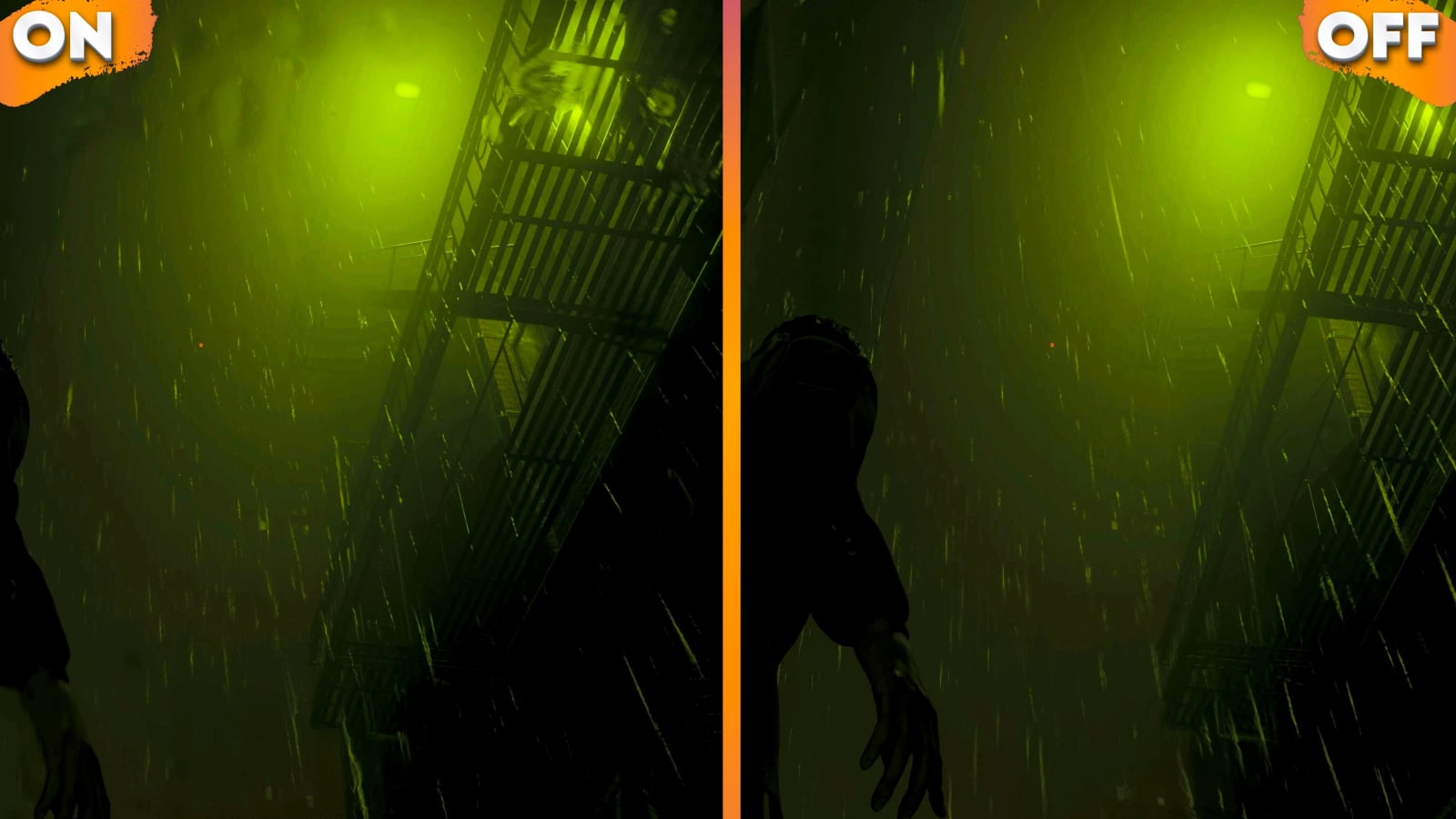
- Screen FX (rain/blood)
- Alan Wake 2 effects [INI state]: Bloom, Lens dirt, Lens flares, Vignette
- Film grain
Installation
- Extract and copy the files from the
.ziparchive to your game install folder.
Controls and keys
- Backlight:
NUMPAD / - Bolt trails:
NUMPAD * - Light glare:
NUMPAD - - Throw trajectory:
NUMPAD + - Screen FX (rain/blood):
PAGE UP
Settings and configuration
To change the keys, open the ReShade GUI (HOME) and head to the Add-ons tab. Open the listed toggle group and click Edit.

 Loading...