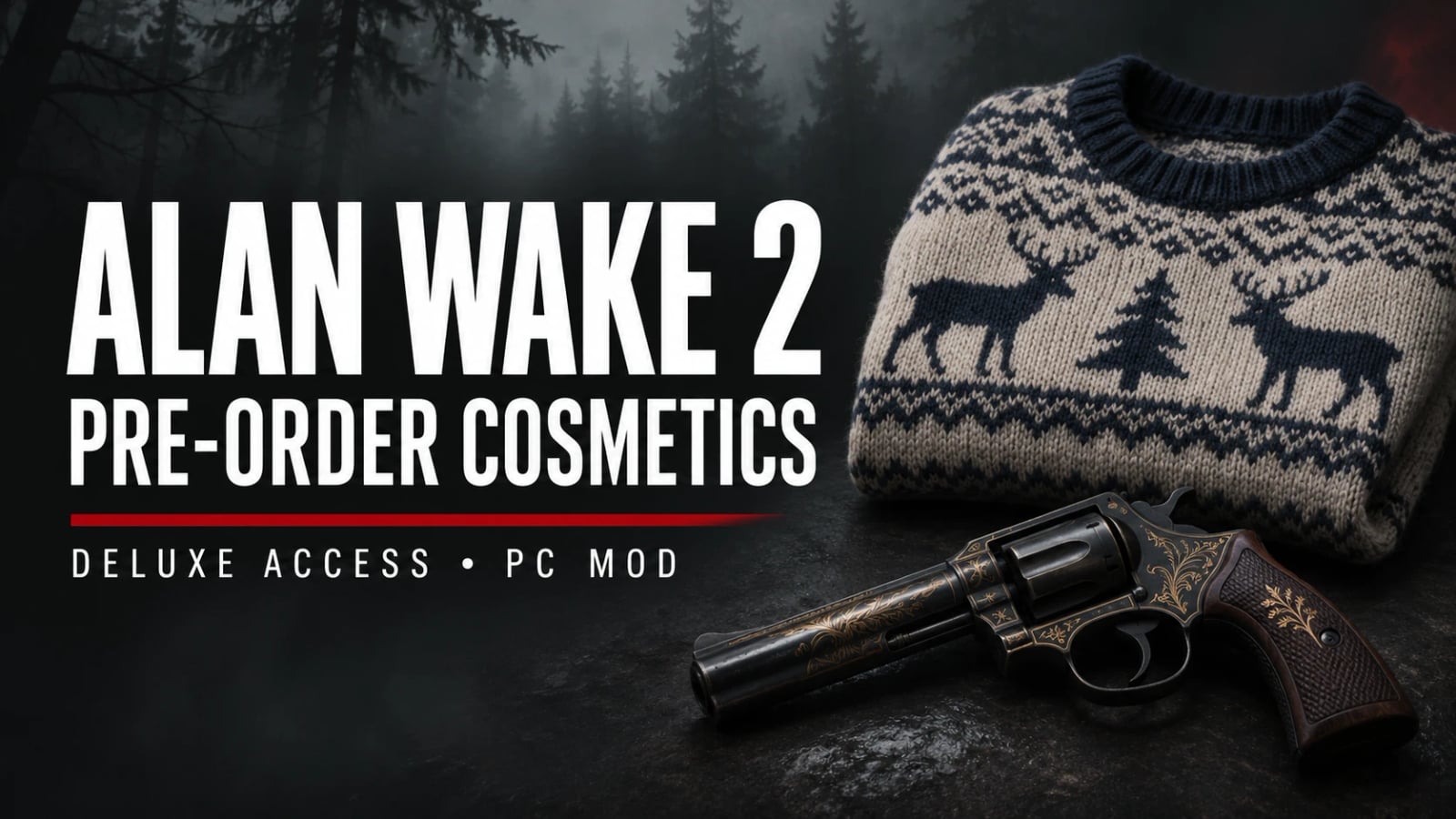
Pre-order Cosmetics for Deluxe Owners v1.1.0
Makes Saga’s pre-order sweater and Alan’s pre-order revolver skin selectable directly from Alan Wake 2’s existing Cosmetics menu.
Features
- Adds the pre-order sweater and pre-order revolver skin to the Deluxe cosmetics category.
- Does not grant account ownership, alter story expansions or patch the game executable on disk.
- The game can save cosmetic selections normally.
Requirements
- PC Deluxe ownership.
- Tested with Epic executable
0.564.904.9. Other builds are not validated.
Installation
- Close the game.
- Back up conflicting files. Extract the ZIP directly beside
AlanWake2.exe. - Launch normally and open Cosmetics from the main menu.
Includes the original d3d12.dll ASI loader. No additional loader download is required. Use one active ASI loader, and preserve other plugins. If another d3d12 graphics proxy is installed, check compatibility before replacing it.
To uninstall, close the game and remove plugins/AW2PreorderMenu.asi. Restore your previous loader from backup if needed. Remove the included d3d12.dll only if no other plugin depends on it.
Settings
Edit plugins/AW2PreorderMenu.ini, then restart:
Enabled=1enables the cosmetics modification.HideDebugConsole=1hides the console attached to the game process without disabling the plugin that created it.- Set either option to
0to disable that feature.
Compatibility
Only the two cosmetic menu entries have their access category changed in memory from pre-order to Deluxe.
v1.1.0 uses the same RC2 loader and E01b ASI tested and validated by the project owner: successful startup, accessible skins and hidden console. This is one tested installation, not a guarantee for every game build.

 Loading...